Kalam कलम
Speech-to-text for macOS, built for Hindi + English.
Private by default, fast, and free.
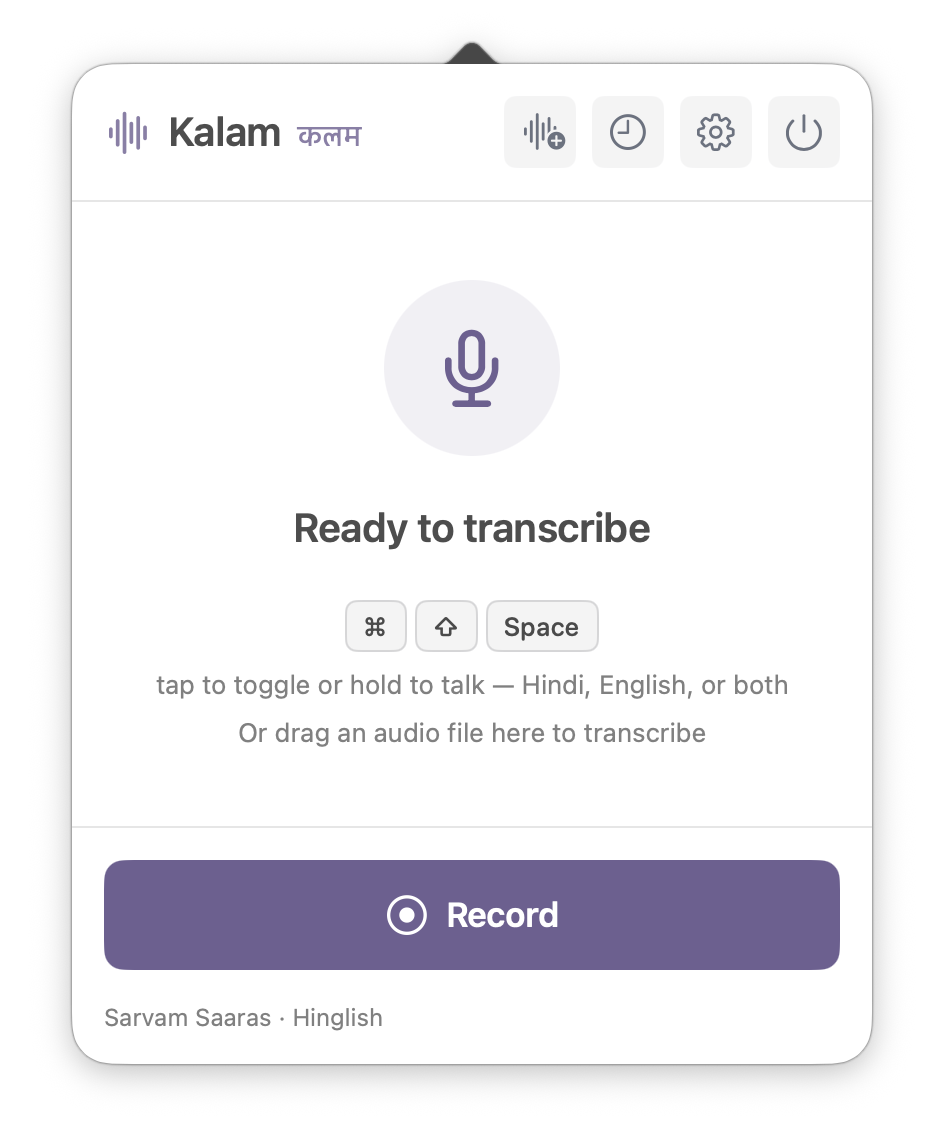
How It Works
Prefer toggling? Tap the hotkey to start, tap again to stop. A floating indicator shows elapsed time while you record.
A Complete Dictation Loop
Speak, review the result, and find it again later without leaving the menu bar.
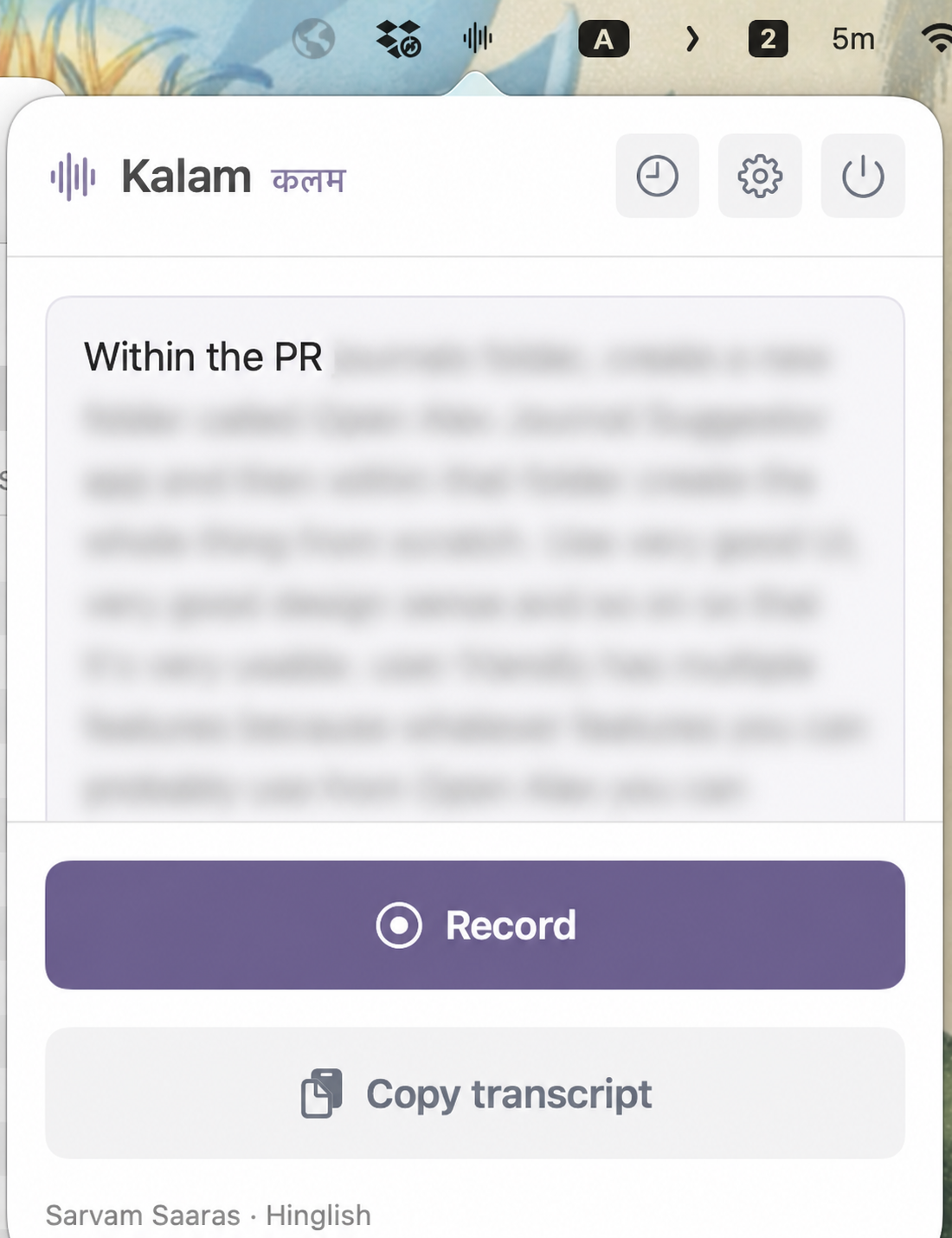
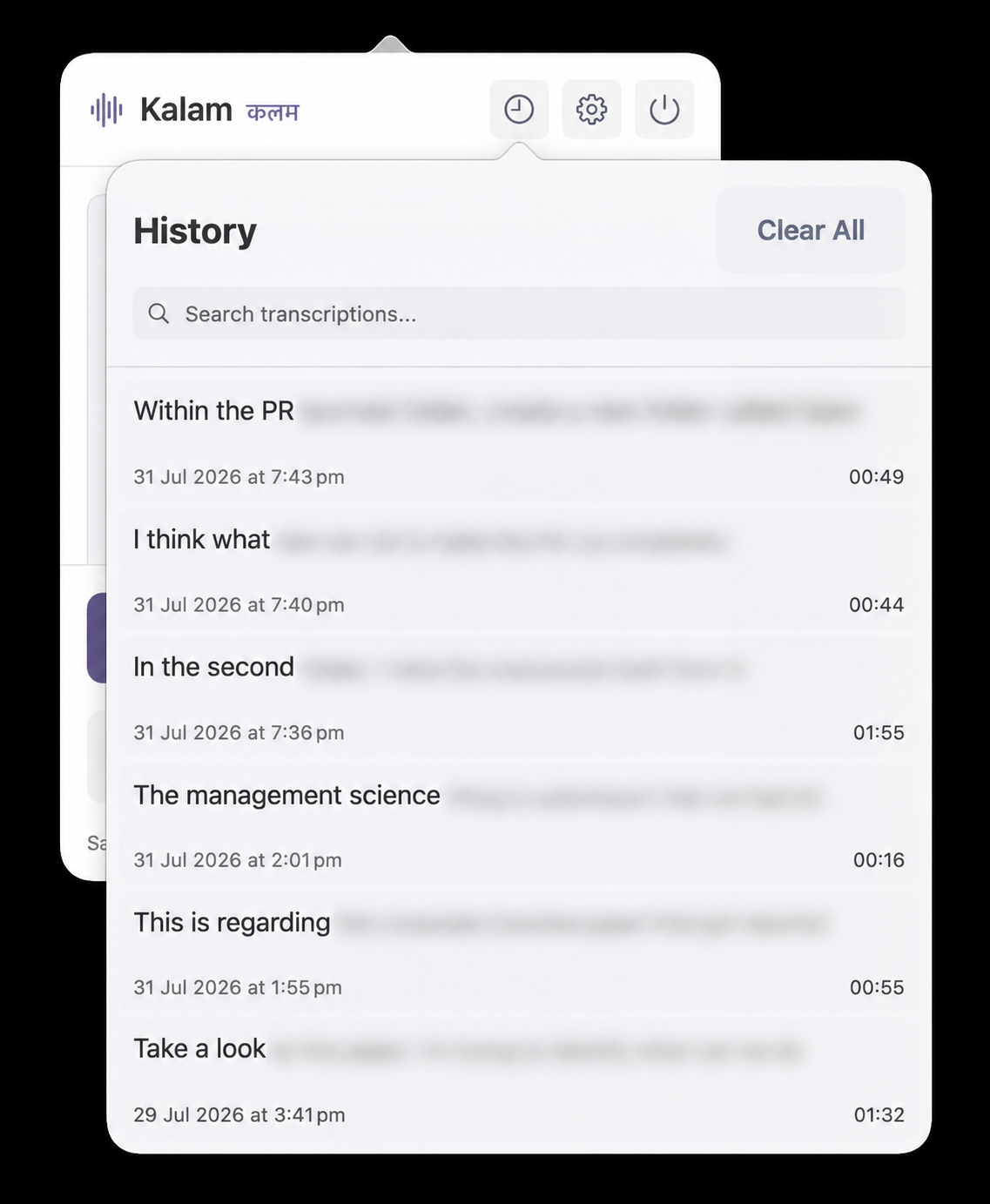
Transcript content is intentionally blurred in these public screenshots.
Features
22 Indian Languages + English
Optional Sarvam AI engine (Saaras v3) covers Hindi, Tamil, Telugu, Bengali, Marathi, and 17 more — including code-mixed Hinglish. Local Whisper Large Turbo covers offline use.
Private by Default
The default local engine keeps your voice on your Mac. The cloud engine is opt-in and clearly labeled.
Tap or Hold
Tap Cmd+Shift+Space to toggle, or hold it like a walkie-talkie. Works from any app.
Auto-Insert
Text appears at your cursor and copies to clipboard. Auto-stops after silence so nothing runs away.
Personal Dictionary
Teach it names, acronyms, and course codes once — every transcript comes out right.
History & Files
Drop WAV, MP3, M4A, AAC, AIFF, CAF, FLAC, Ogg/Opus, MP4, or QuickTime files onto the menu bar icon. Kalam extracts the audio, uses your selected engine, copies the result, and saves it in searchable History.
Set Up Kalam Once
Choose how Kalam transcribes, keep a local fallback ready, and make the shortcut available whenever you need it.
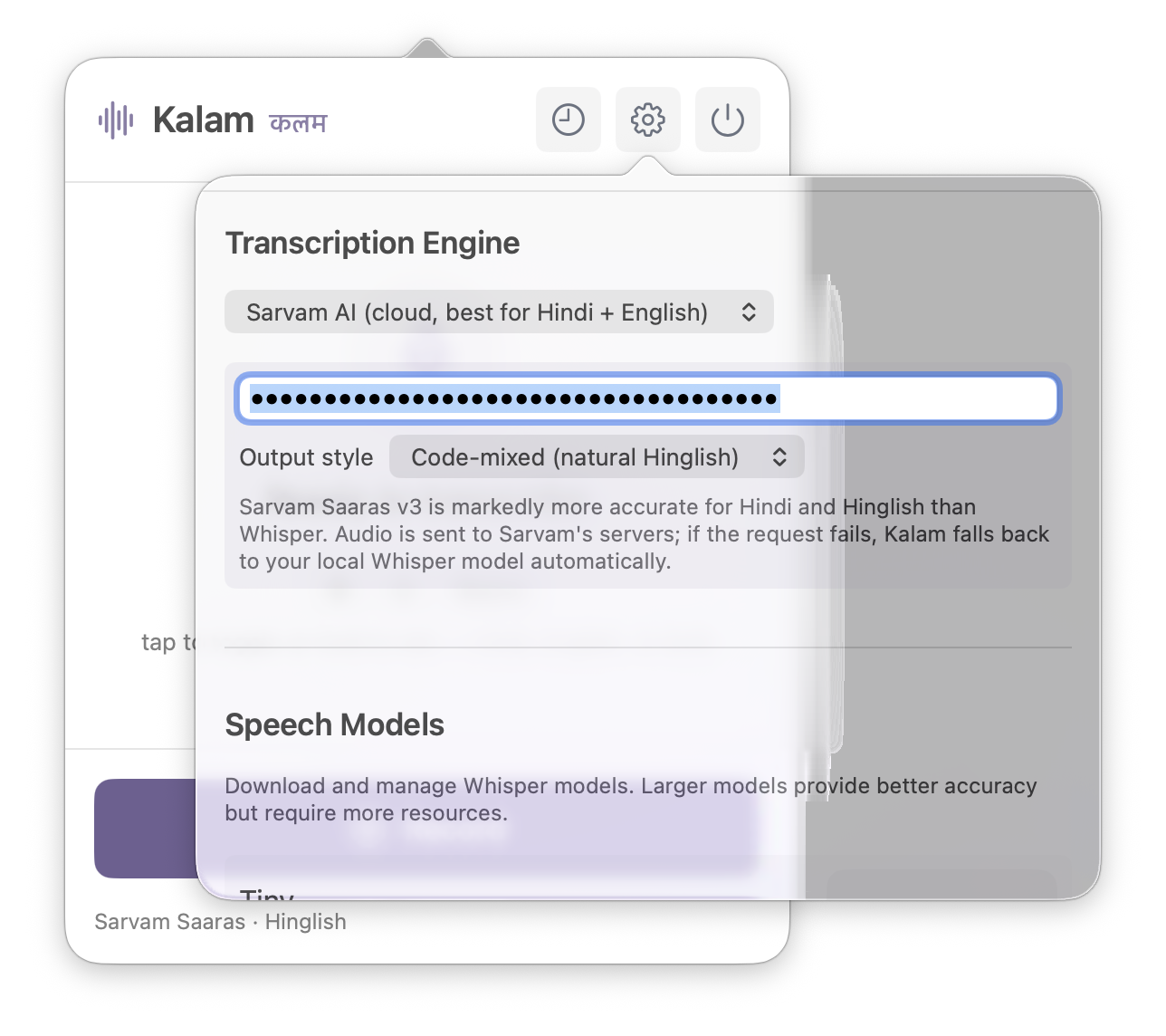
Stay offline with local Whisper, or add a Sarvam API key for stronger Hindi and Hinglish transcription.
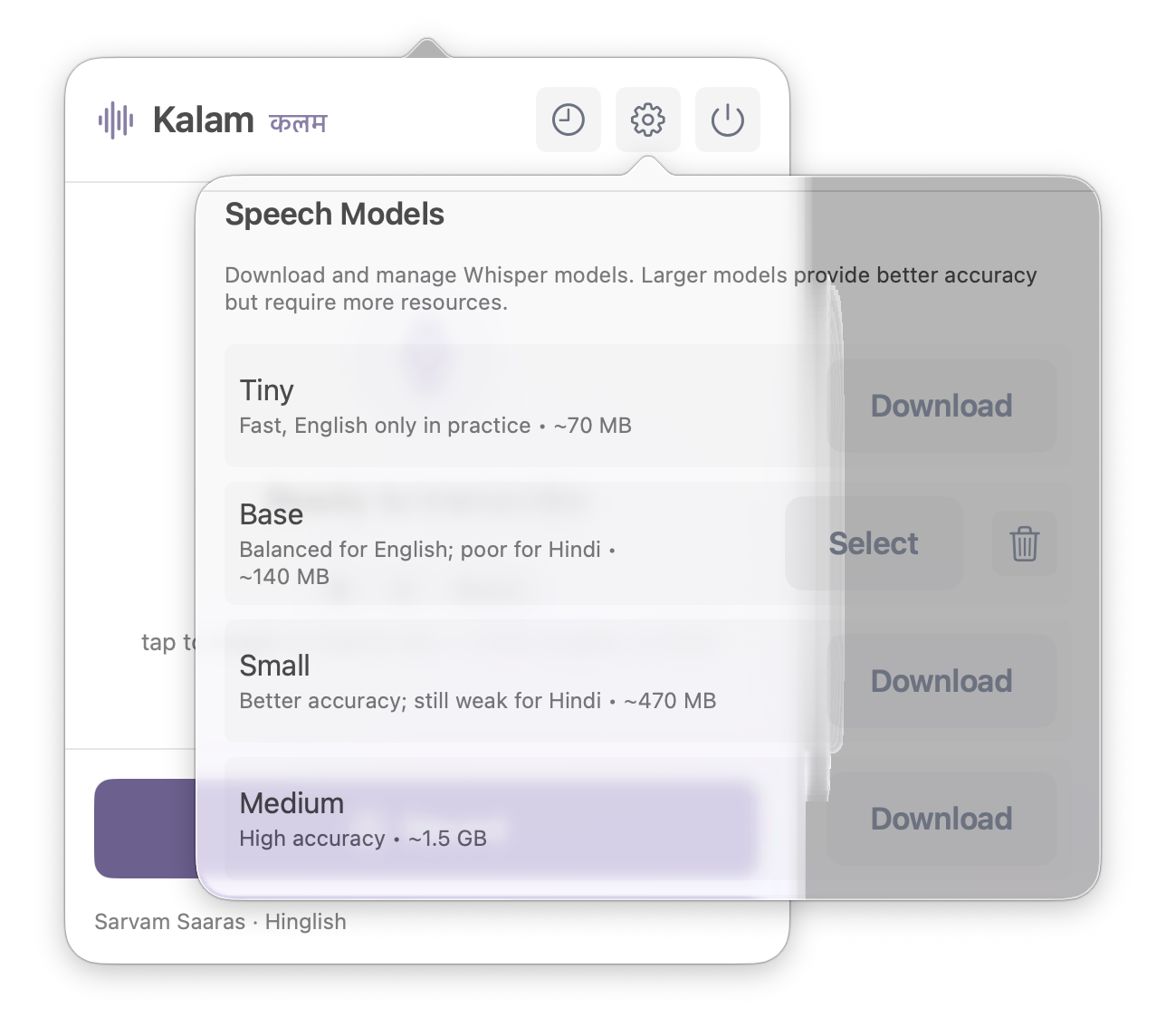
Use Base for compact English dictation or Large Turbo for multilingual local use and cloud fallback.
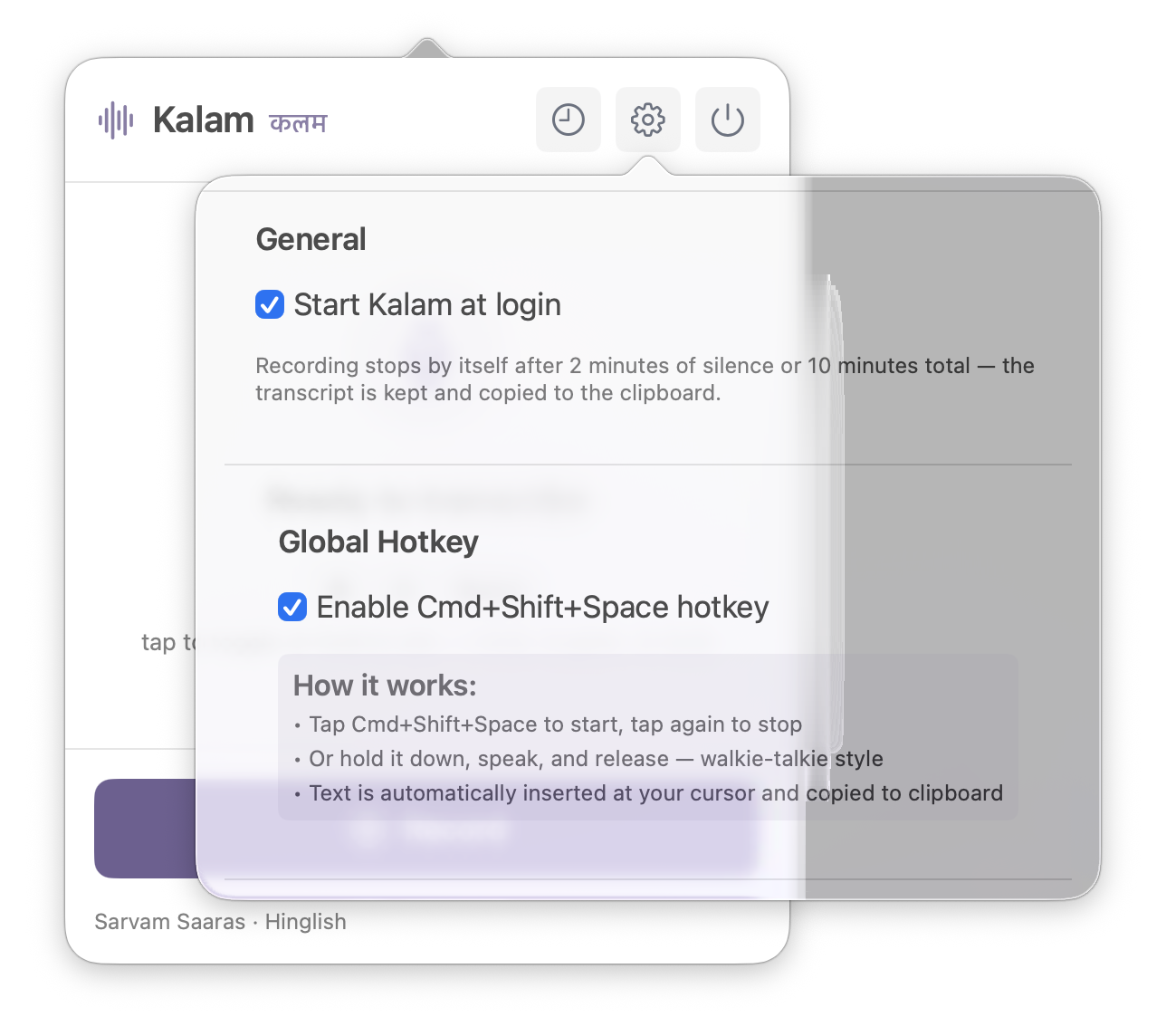
Start Kalam at login and leave the global hotkey enabled for dictation from any app.
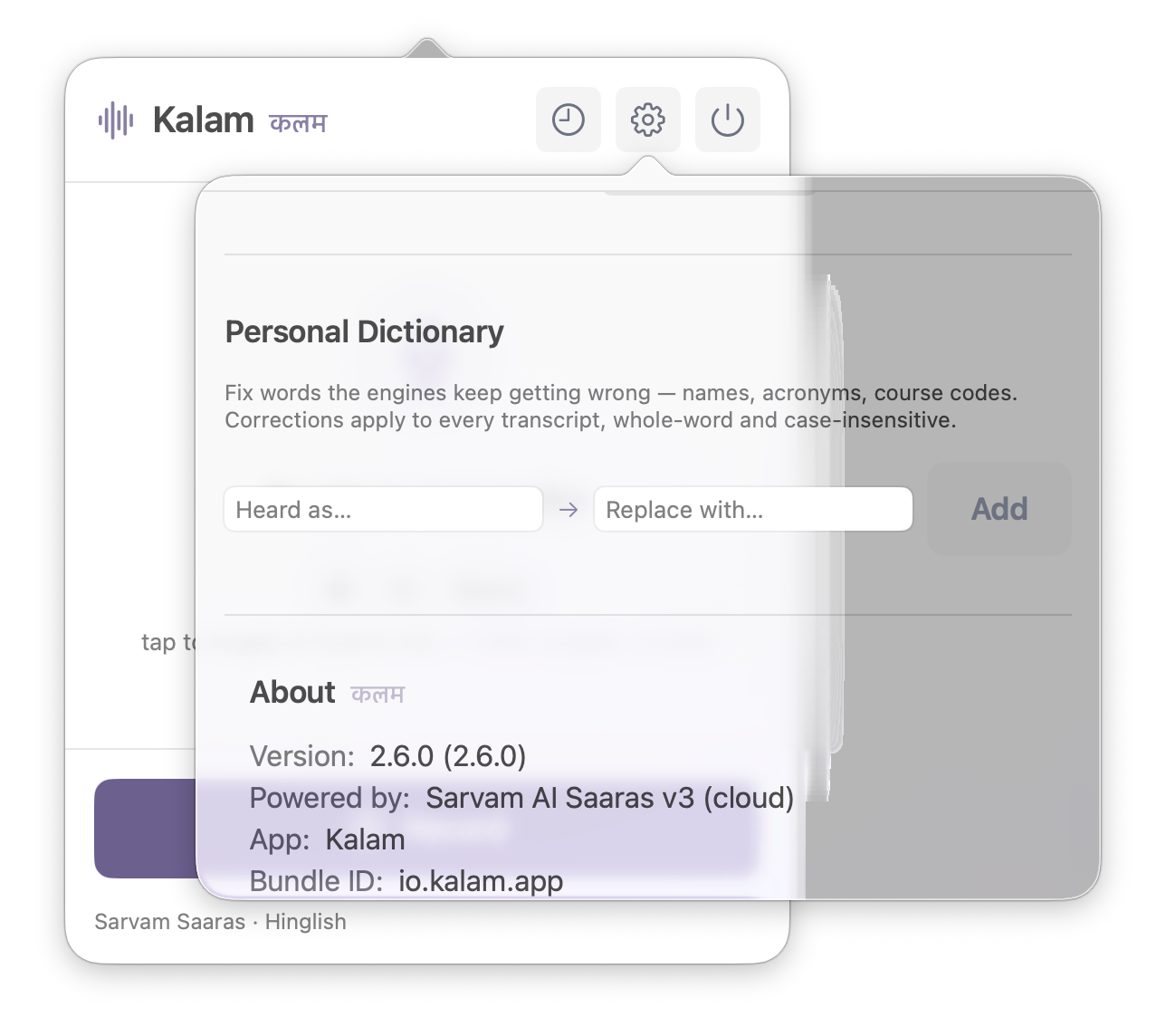
Add names, acronyms, and specialist terms once so future transcripts use the right spelling.
Quick Install
Run this in Terminal:
curl -sL https://raw.githubusercontent.com/harshvardhaniimi/kalam/main/install.sh | bash
Run the same command again to update to the latest release. Your settings, models, and History are preserved.
After the first installation, right-click the app in Applications → "Open" once.
Manual Install
- Download Kalam.zip and extract it
- Move Kalam.app to Applications
- Open Terminal and run:
xattr -cr /Applications/Kalam.app - Right-click the app → "Open"
Uninstall
To completely remove Kalam:
curl -sL https://raw.githubusercontent.com/harshvardhaniimi/kalam/main/uninstall.sh | bash